
Threshold Configuration for disks in NetApp ONTAP (Cluster) storage devices
Once you've added your NetApp ONTAP (Cluster) storage monitor, you can set individual threshold conditions for each disk or apply updates in bulk. These disk-level thresholds are managed separately from the overall threshold configuration for the NetApp ONTAP (Cluster) storage monitor.
Threshold configuration for disks
- Log in to your Site24x7 account.
- Navigate to Home and click the required NetApp monitor.
- Go to the Disk tab. Then, click the pencil icon
 in the Action column for the required disk.
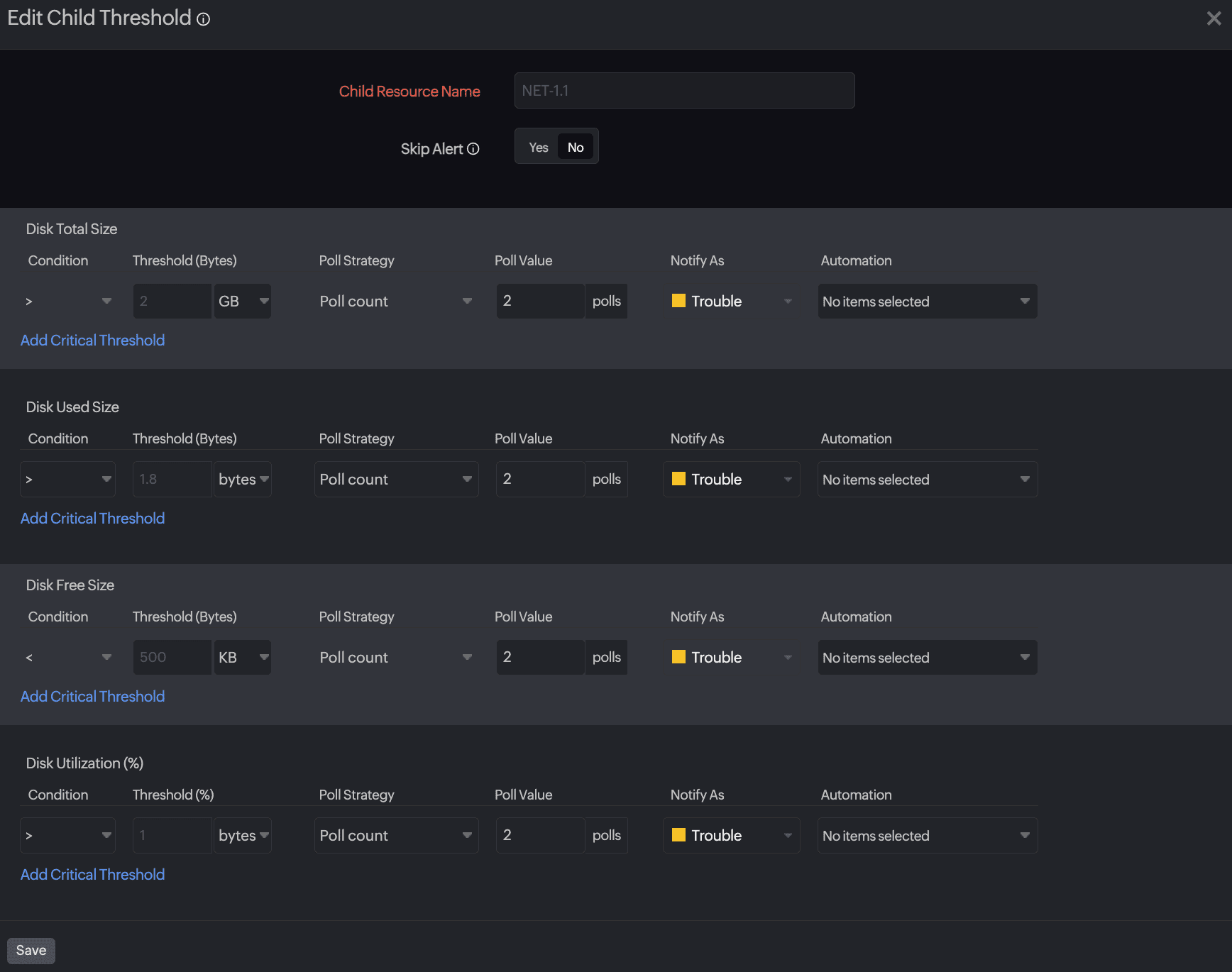
 - Provide the values for Disk Total Size, Disk Used Size, Disk Free Size, and Disk Utilization (%).
- You can also add a critical threshold for each metric if needed.
- Then, click Save.
Bulk updating threshold configurations for disks
- Navigate to Home and click the required NetApp monitor.
- Go to the Disk tab. Then, click Threshold Configuration at the top right of the table.
- Provide values for the following fields:
- Child Resource Name: Select Child Resource Name from the drop-down menu.
- Skip Alert: Toggle to No to set thresholds and receive alerts when there is a threshold breach.
- Enter the values for Disk Total Size, Disk Used Size, Disk Free Size, and Disk Utilization (%).
- Then, click Save.