
Using Zia in the Site24x7 Android mobile app
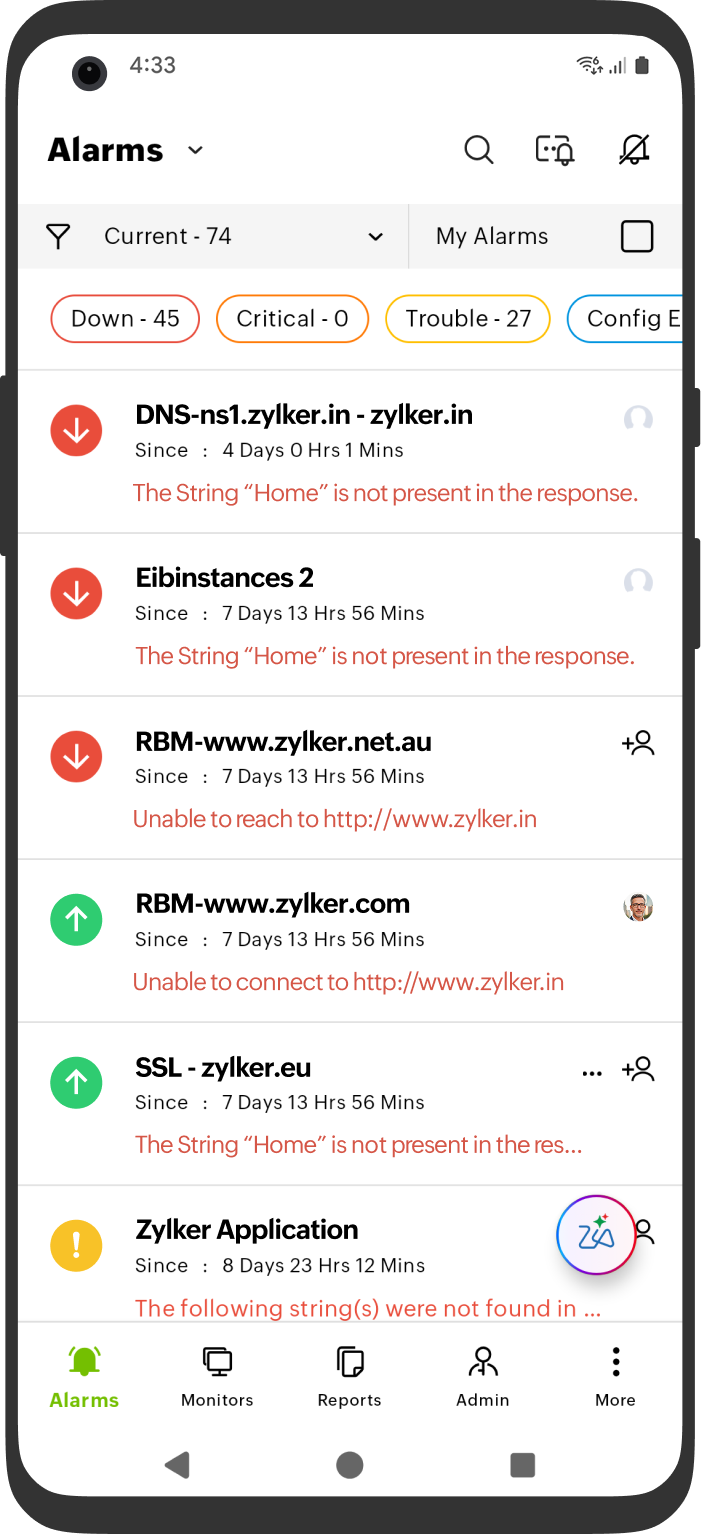
Zia is Zoho's AI-powered assistant designed to help you monitor and troubleshoot your IT infrastructure faster and more efficiently—anytime and anywhere. With Zia, you get quick insights and immediate answers based on your monitors—right from your mobile device.
Zia enables you to quickly identify resources that are down and analyze the underlying causes through intuitive, natural language queries. You can also utilize voice commands to ask questions.
Prerequisites
Before using Zia, ensure the following:
- You have the latest version of the Site24x7 Android mobile app.
- You are logged in with a valid Site24x7 account.
- You have a valid integration with the LLM. Learn more about integrating LLMs with Site24x7.
What can Zia do?
Zia leverages AI-driven monitoring insights to help you detect, diagnose, and resolve issues faster—right from your mobile app. With natural language conversations and real-time intelligence, Zia empowers you to:
- Identify issues instantly: Chat with Zia to learn about outages, critical incidents, or abnormal behavior across your resources.
- Get AI-powered performance insights: Receive concise summaries of the CPU, memory, response time, and network health of your resources using Zia powered by AI.
- Understand root causes quickly: Review RCA findings to see why an issue occurred and which resources were impacted.
- View conversational alerts: Get natural language event summaries with relevant context and recommended actions.
- Unify access to critical information: Check alarms, outages, and incidents in one unified view—no deep navigation required.
- Enable self-service resolution: Access direct links to documentation and knowledge base articles to fix issues independently.
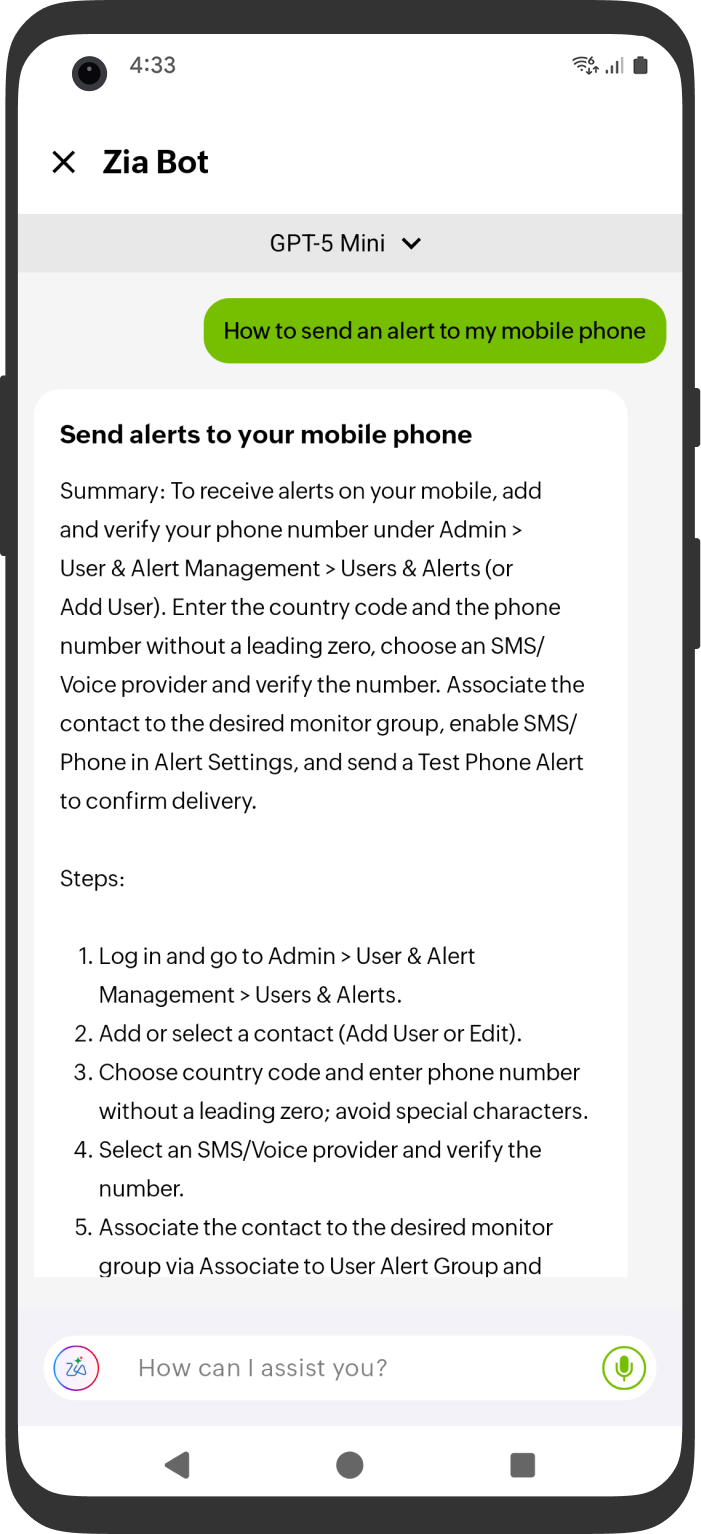
Interact with Zia more effectively by copying responses, listening to answers, and rating their quality using the thumbs up  icon or the thumbs down
  icon. Selecting the thumbs down icon opens a feedback dialog where you can share additional comments to help us improve future responses.
Sample scenarios
- Checking on ongoing outages while on the move
When you’re on the go and receive a critical alert, there’s no need to navigate through multiple screens. Ask Zia, “What’s the current outage status?”
Zia will quickly provide you with a list of ongoing outages, including details about the affected monitors, the reason for each outage, and when the monitors went down. This way, you can stay informed and take action swiftly, even when you’re away from your workstation. - Quick RCA lookups outside business hours
Late at night, a key server becomes unstable, and you want to understand the root cause before bringing in your team. You can ask Zia, “Can you provide me the alerts and the RCA report?”
Zia will summarize the alerts along with the reason for the failure that is causing the issue (e.g., CPU saturation, a slow database, or network issues). It provides information on the time correlation, anomaly detection results, and impacted services. With actionable insights delivered instantly, you can triage the incident more quickly. - Hands-free monitoring using voice commands
With voice command support, you can get quick answers without typing. Just tap the microphone icon and ask, “What are the current statuses of the available monitors?”
Zia will convert your voice input into a query, gather the relevant monitoring information, and display the results within seconds. This is perfect for field engineers, on-site technicians, or quick checks during a commute.
Related articles
-
On this page
- Prerequisites
- What can Zia do?
- Sample scenarios
- Related articles