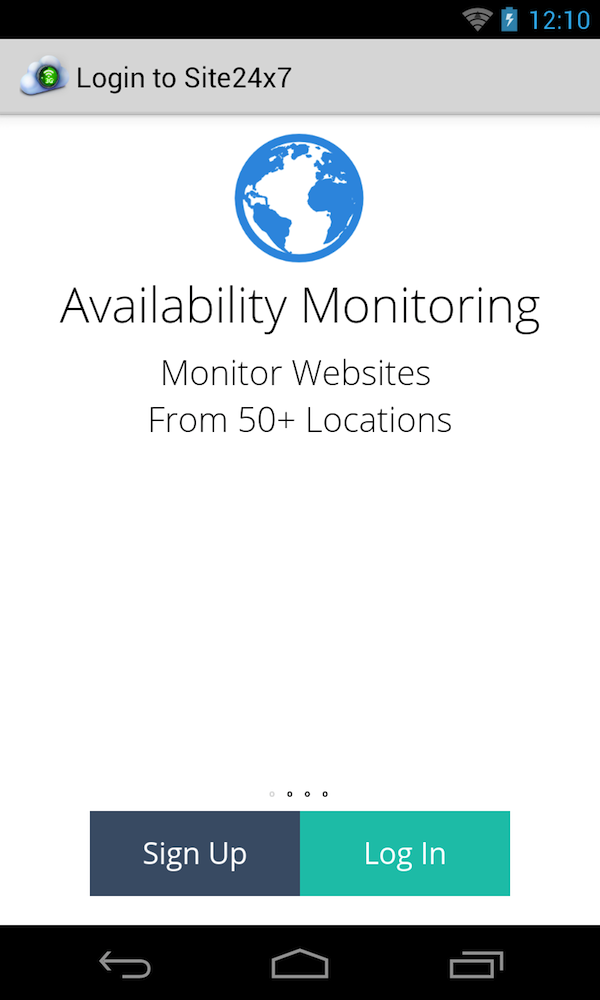
Launch the Site24x7 Mobile Network App on your Android device.
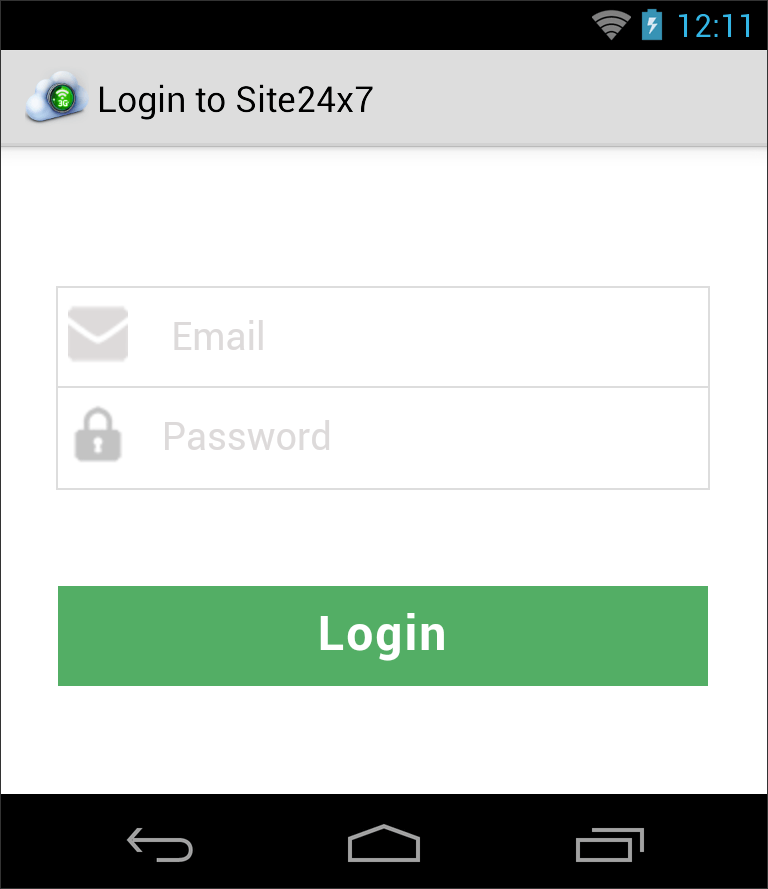
Login using your Site24x7 credentials.
Once logged in using Site24x7 credentials, your mobile device will reflect under Admin > Mobile Network Poller.
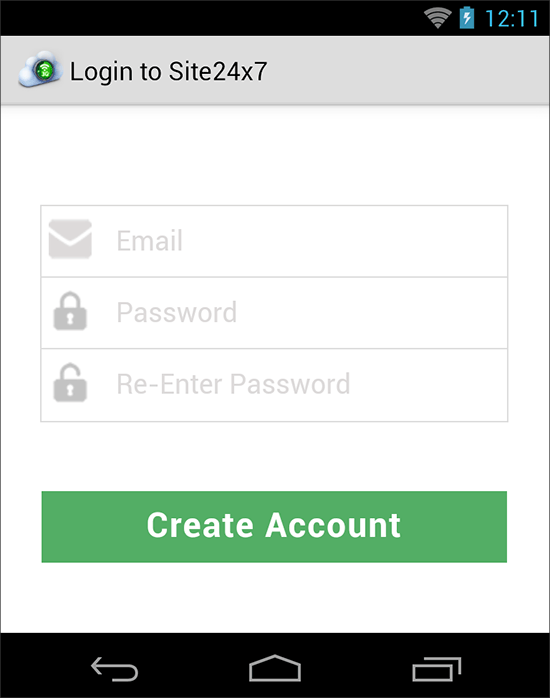
You can also directly create a Site24x7 account from the Mobile Network Poller Application.
Configure Mobile Network Poller
Click Admin > Mobile Network Poller. You will find your mobile device registered which is registered with Site24x7 account present in Mobile Network Poller screen.
Click the appropriate Mobile Network Poller which you want to edit.
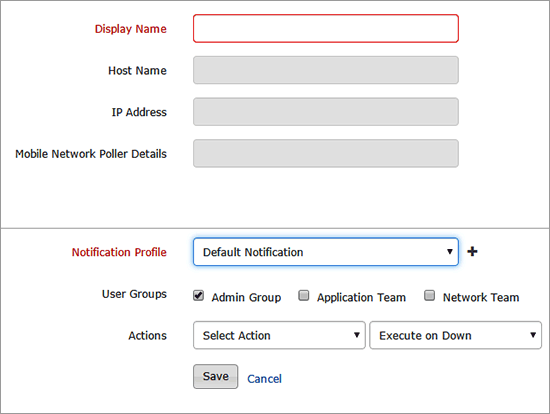
Specify the following details to configure the Mobile Network Poller:
Display Name: Android device's host name wil be shown by default. Edit and give a new name for identification purpose.
Notification Profile: Choose a notification profile from the drop down or select the default profile available. Notification profile helps to configure when and who needs to be notified in case of downtime. Refer Notification Profile to create a customized notification profile.
Pager Duty: Enabling this option will send integrate your account alerts with Pager Duty.
User Groups: Select the user group that need to be alerted during a outage. To add multiple users in a group, see User Groups.
Actions: Select an action to be executed when the website is down/trouble/up/any status change/any attribute change. The defined action gets executed when there is a state change and selected user groups are alerted. To automate corrective actions on failure, refer Actions.
Monitor Mobile Optimized Websites
Click Admin > Configuration Profile > Location Profile and set Mobile Network Poller as your monitoring location.
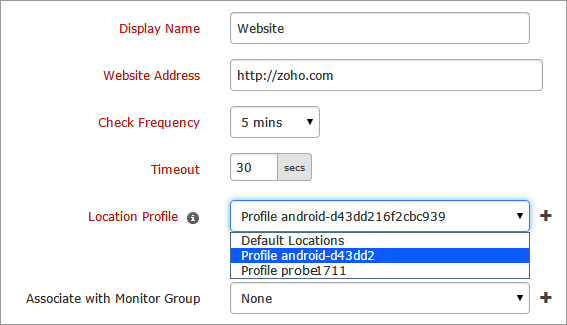
Click Admin > Inventory > Monitors > Website to configure the URL of the website (mobile version or URLs with custom API calls) that you want to monitor.
Select the location profile from the drop down where Mobile Network Poller can be set as the monitoring location.
Was this document helpful?
Sorry to hear that. Let us know how we can improve this document.
Thanks for taking the time to share your feedback. We’ll use your feedback to improve our online help resources.