
Domain Discovery in Digital Risk Analyzer
The Domain Discovery page provides a consolidated view of all discovered resources, including related domains and subdomains, identified during your Digital Risk Analyzer scans. It helps you understand the full breadth of your digital environment by listing every domain linked to those you’ve added for scanning. This discovery helps you track your ongoing security scanning workflow, ensuring comprehensive and continuous protection.
Use cases
Here are key use cases that show how uncovering hidden assets helps reduce blind spots in your digital environment:
- A forgotten staging subdomain running an old content management system version can be unknowingly left exposed. The Domain Discovery flags the subdomain so you can secure it before attackers exploit the vulnerability.
- A marketing team-created campaign microsite under your domain is left out of the scheduled monitoring. Domain Discovery identifies and lists it.
How to access domains through Domain Discovery
Follow the steps below to see the discovered domains:
- Log in to your Site24x7 Digital Risk Analyzer account.
- Navigate to Admin > Domain Discovery.
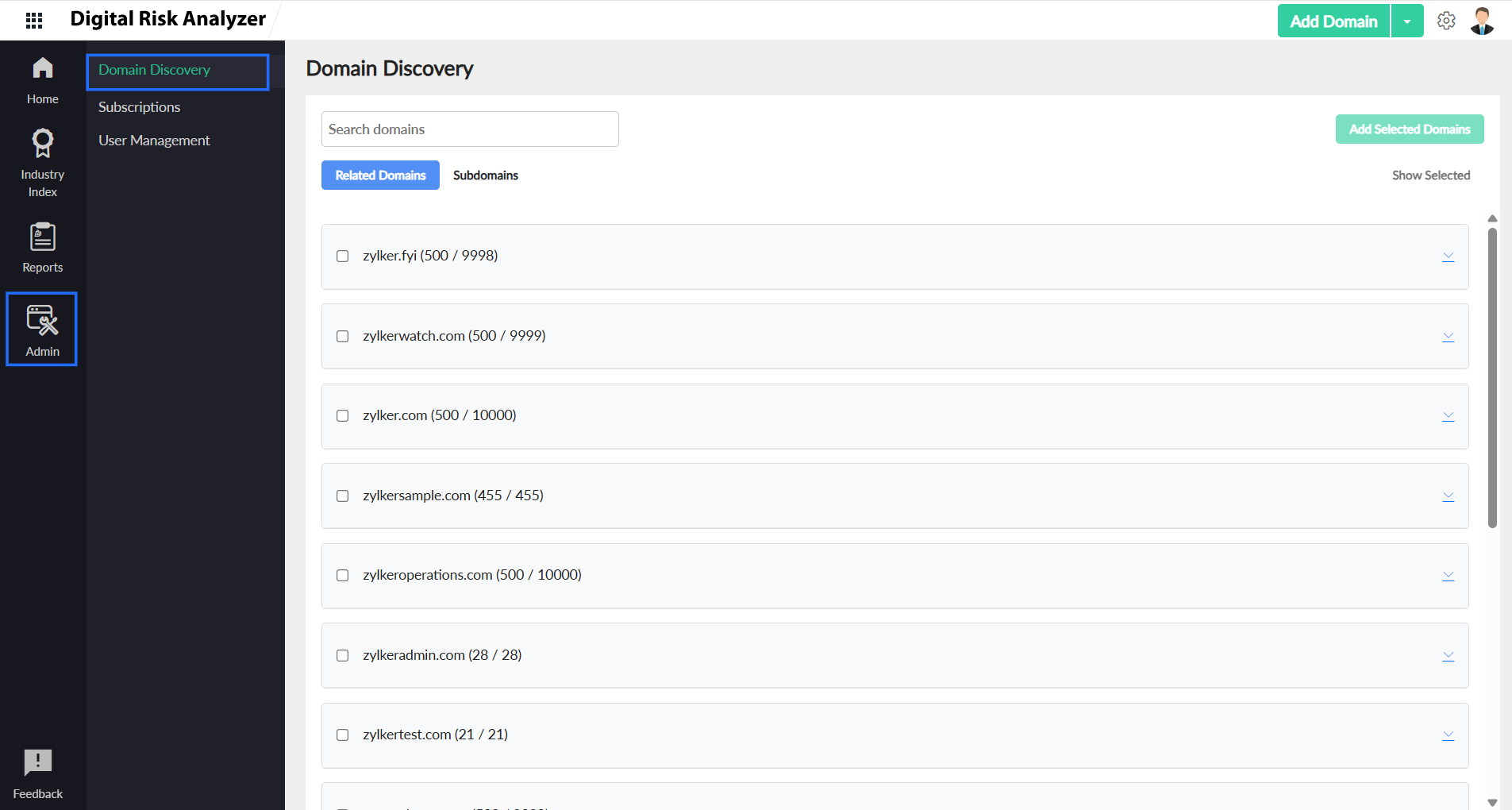
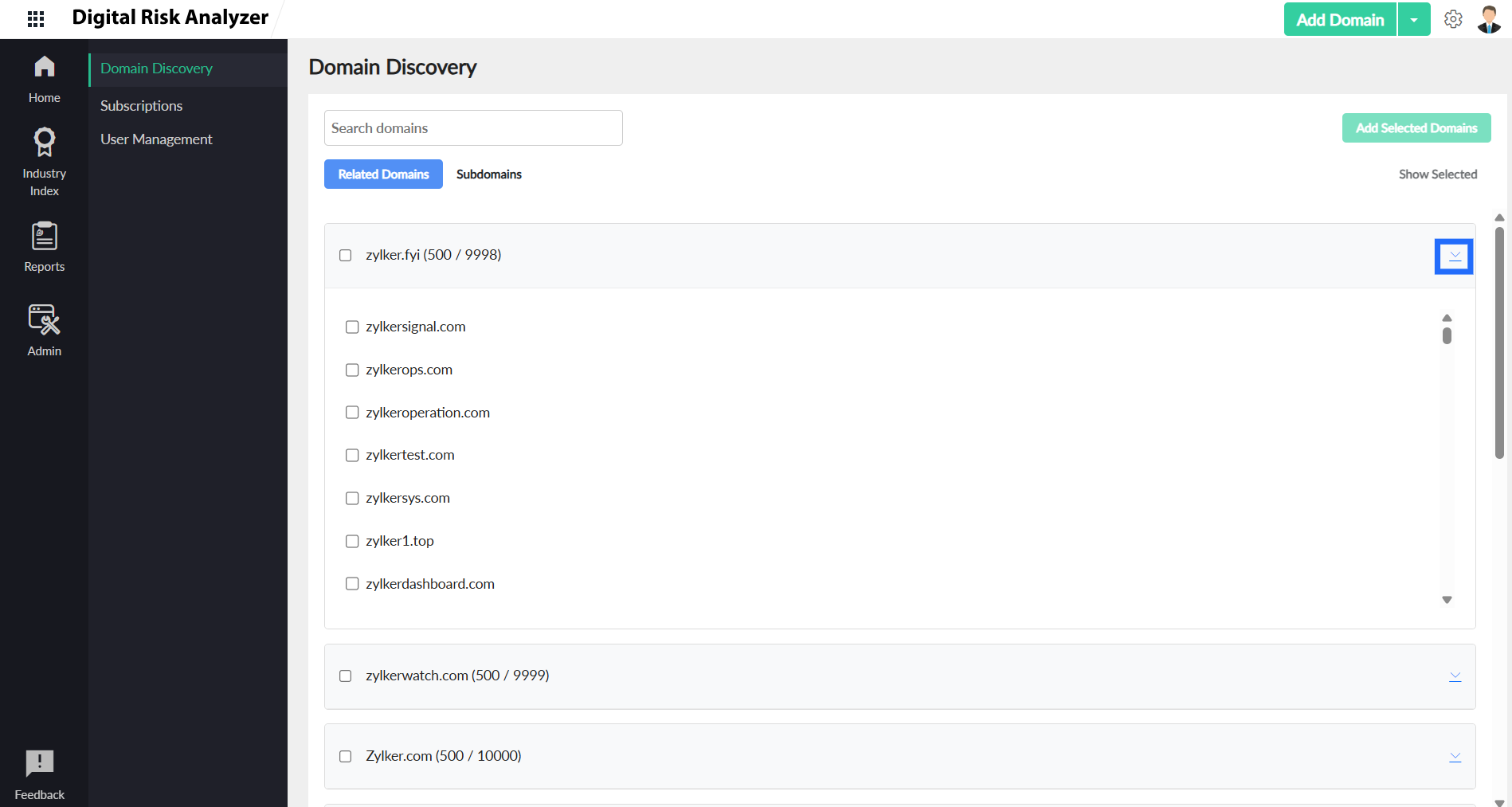
- Select the Related Domains or Subdomains tab to view the discovered resources. Each root domain is listed along with the number of discovered related resources in parentheses.
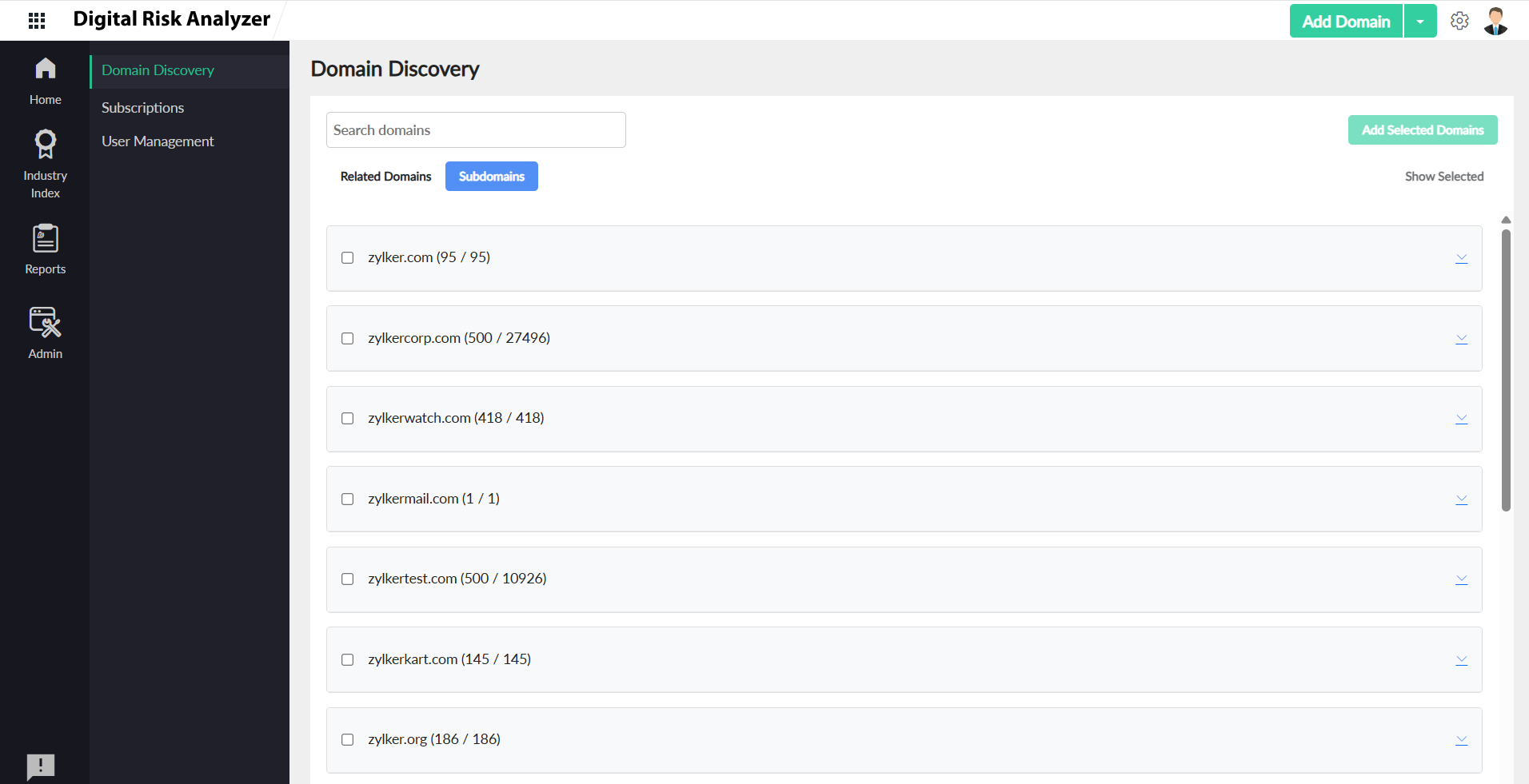
NoteThe number of resources displayed out of resources discovered may vary based on your subscription plan.
- Click the accordion
 icon near the domain to view the list of discovered domains.
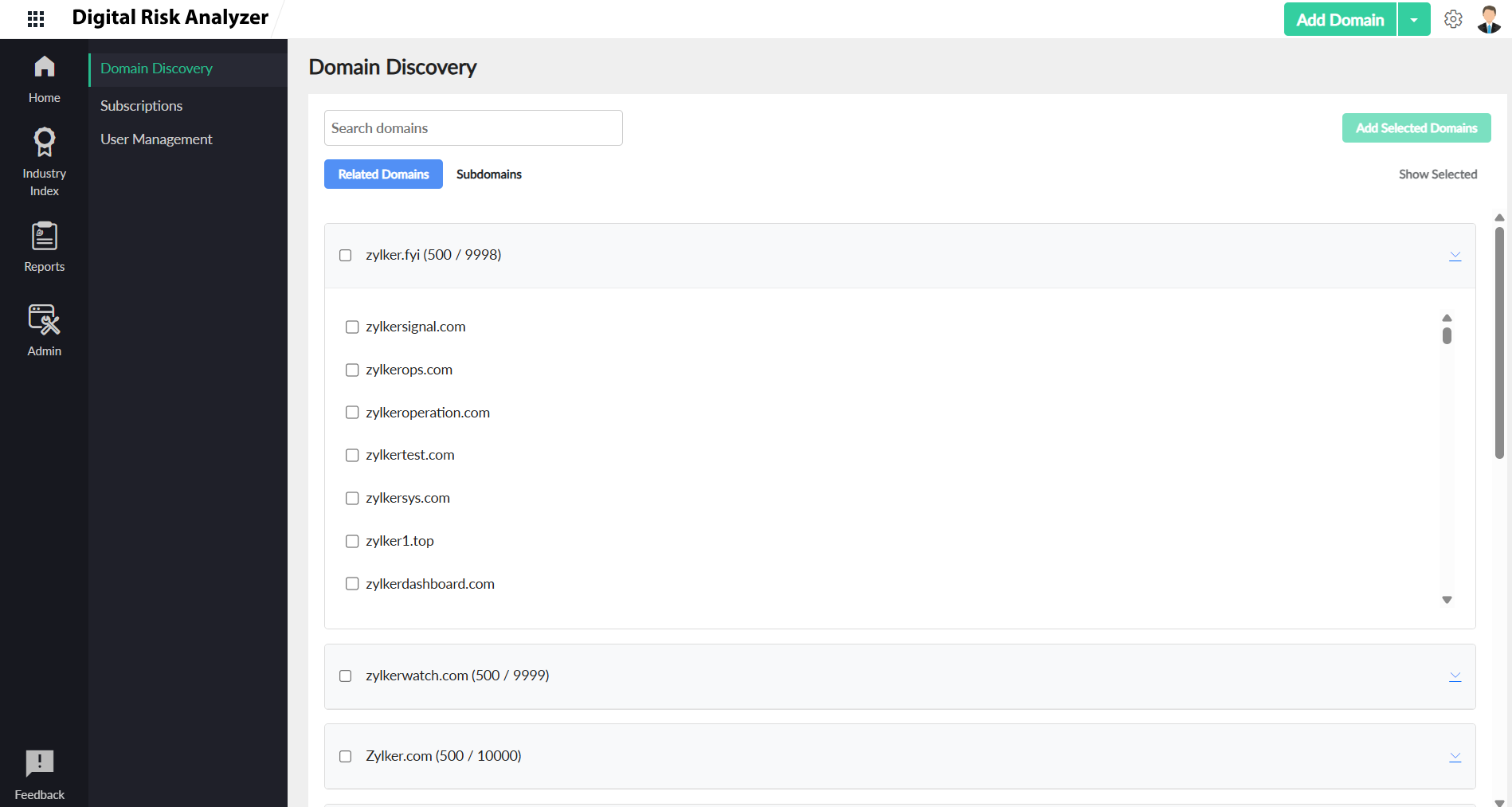

- Click Show Selected on the right to view the selected domains.
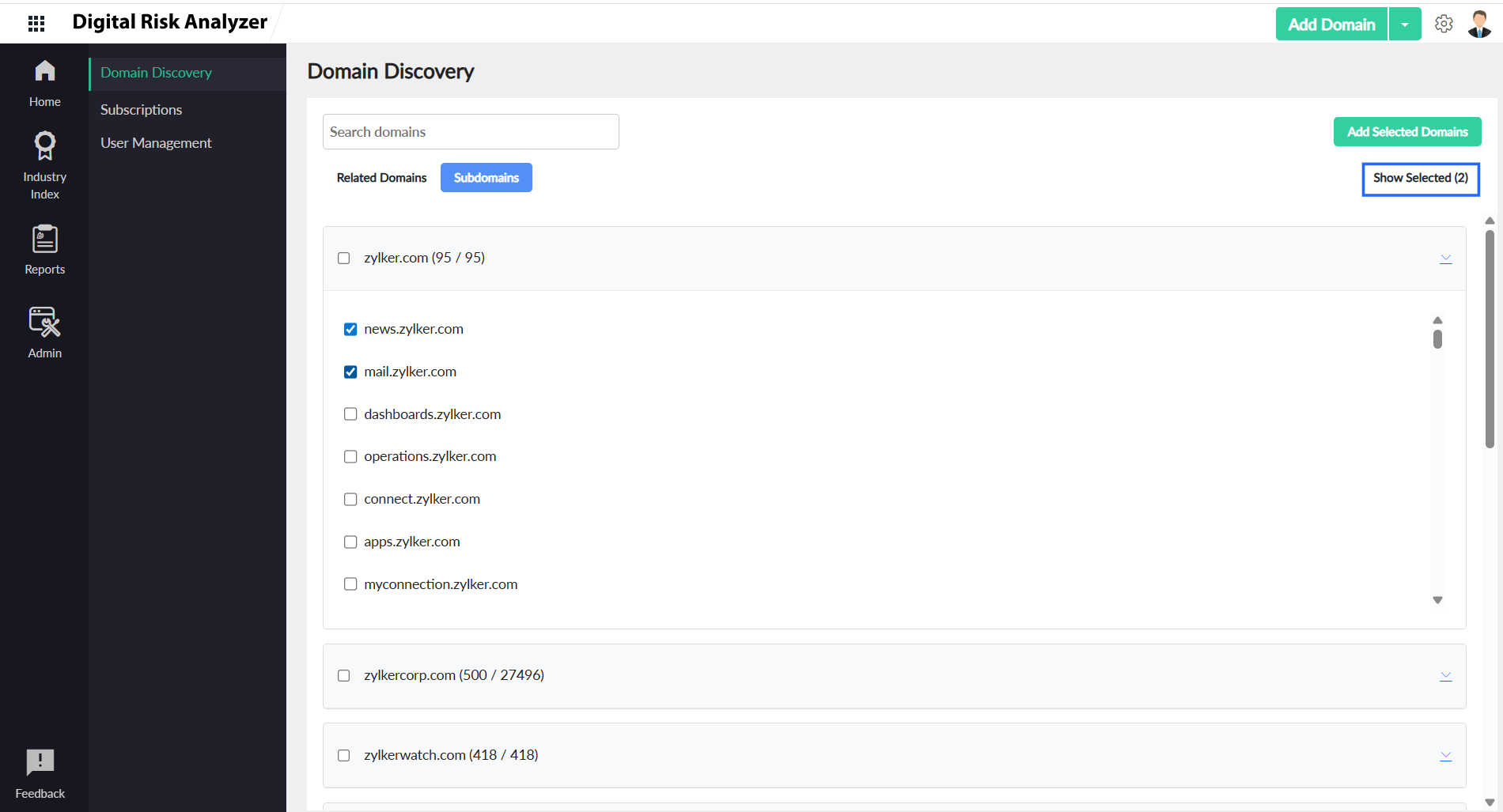

- Once you have previewed all selected related domains and subdomains, click Add Selected Domains in the top right corner to include them in your routine scanning.