
Scan subdomains with Digital Risk Analyzer
Your digital environment extends far beyond your primary domain. This includes subdomains that frequently host applications, stage environments, and legacy services that attackers target. Digital Risk Analyzer helps you discover and assess all associated subdomains; detect potential threats early; and maintain continuous, comprehensive domain security.
Use cases
Here are key use cases that show how including subdomains in regular scanning strengthens your security posture across distributed environments:
- When your team launches a staging or test subdomain and forgets to secure it, scanning helps detect exposures before attackers do.
- When older subdomains remain active after a migration, scanning reveals outdated components that could become entry points.
- When marketing or partner teams create campaign subdomains, scanning ensures they aren’t vulnerable to phishing or domain takeover.
How to include subdomains for scanning
Follow the steps below to include your subdomains in routine cybersecurity scanning:
- Log in to your Site24x7 Digital Risk Analyzer account.
- Click the down arrow
 icon near Add Domain, and select Add Subdomains.

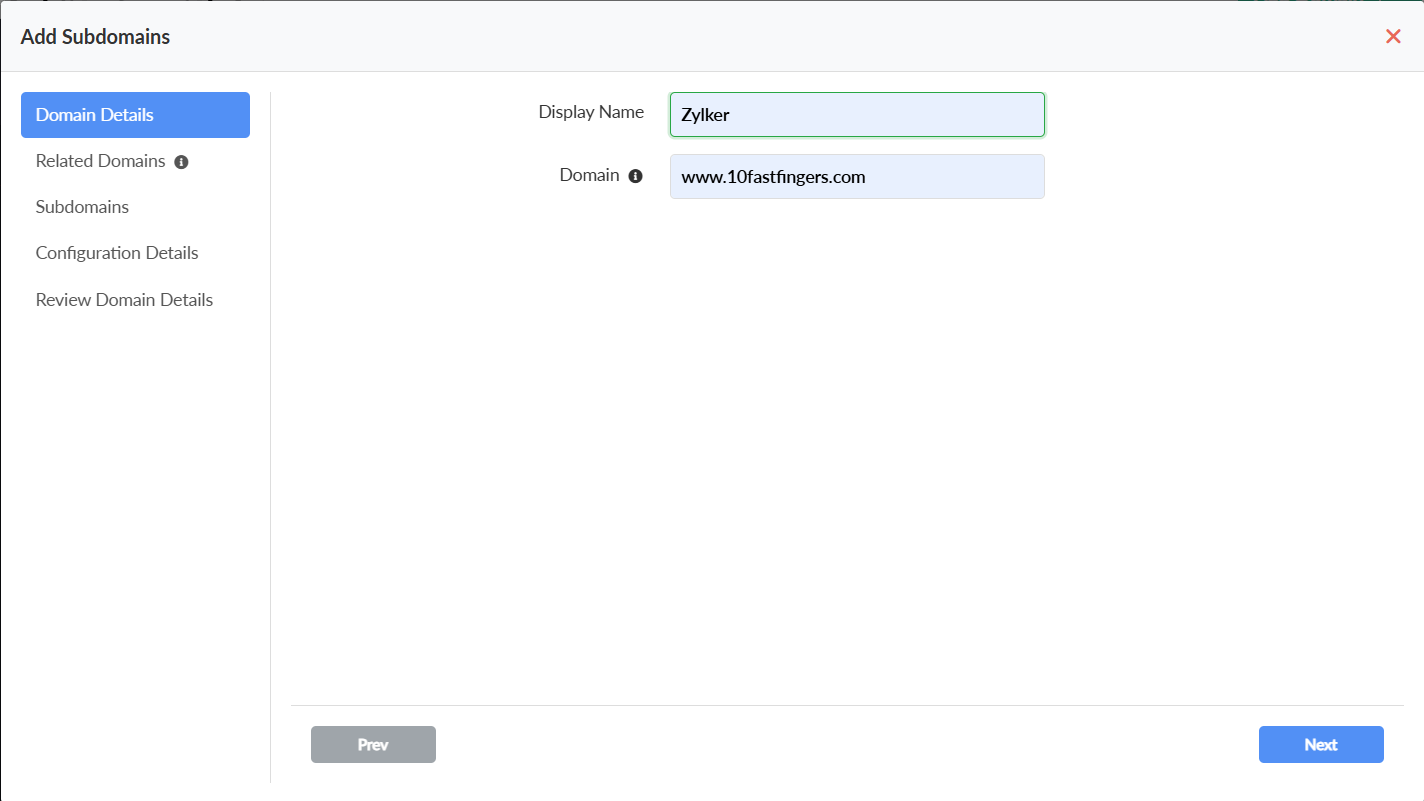
- On the Add Subdomains form, in the Domain Details section, provide the Display Name and Domain details, and click Next.
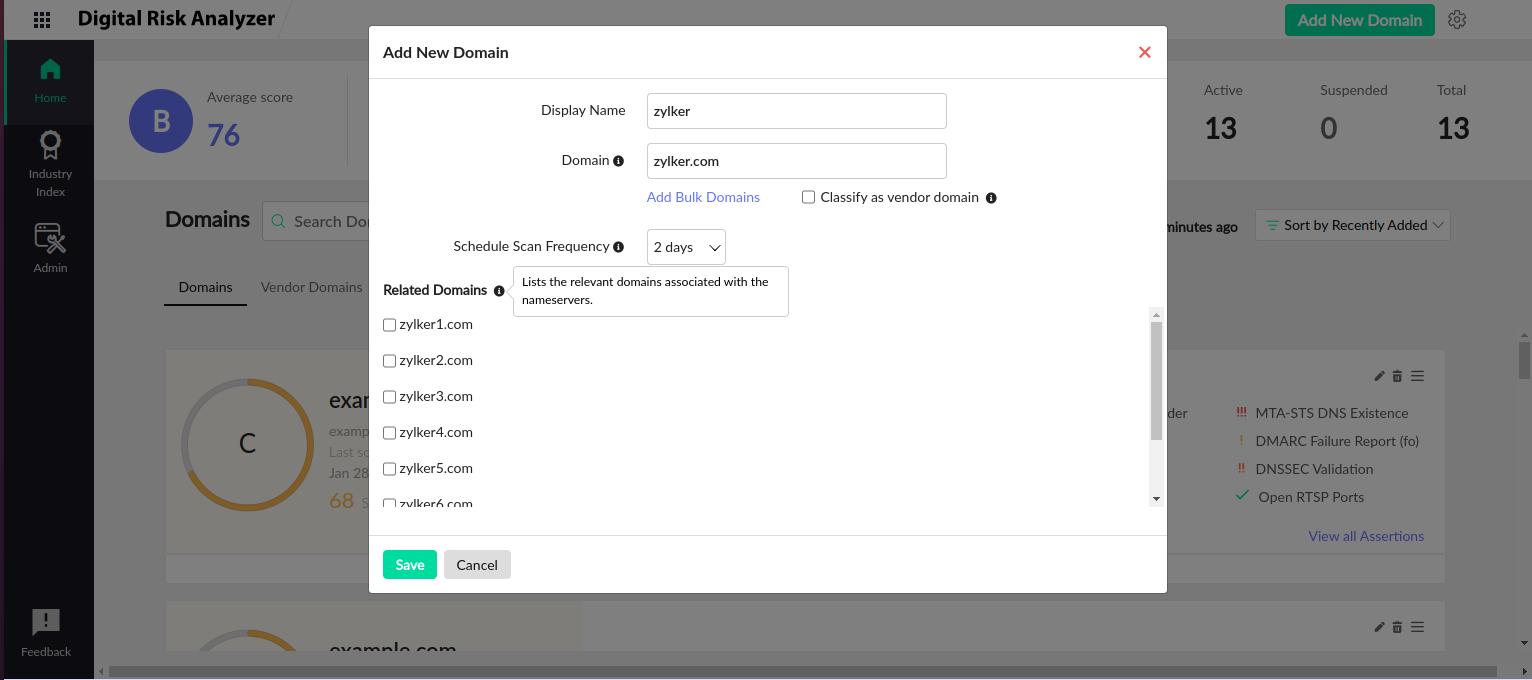
- On the Related Domains page, from the list of discovered related domains, select the domains you want to include in the routine scan, and click Next.
- On the Subdomains page, from the list of discovered subdomains, select the subdomains you want to include in the routine scan, and click Next.

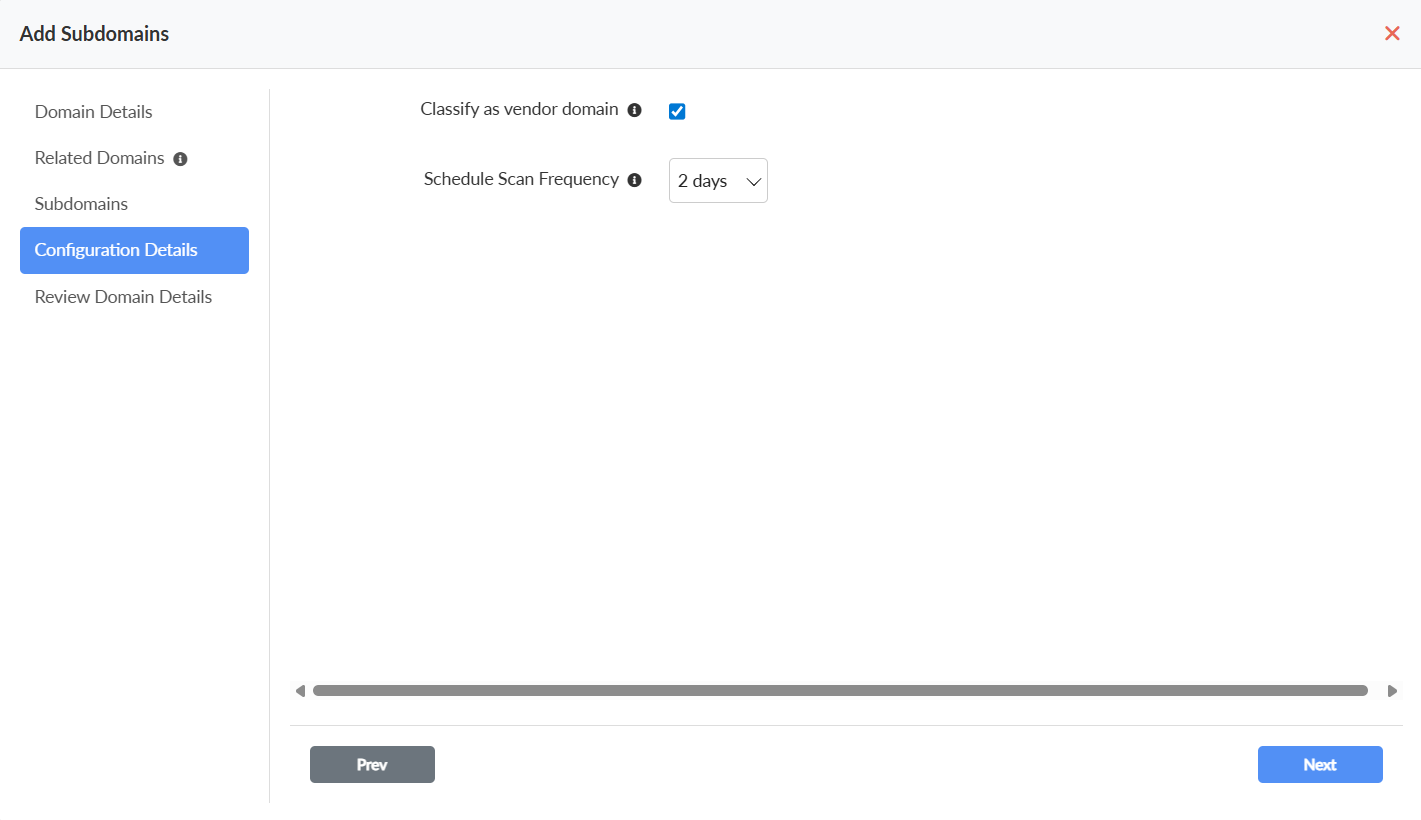
- On the Configuration Details page, you can classify your domain as a vendor domain and set the scan frequency for your configured domains, then click Next.
- On the Review Domain Details page, you can ensure if all configurations are correct and confirm them by clicking the Add Domains button in the bottom right corner.

The Related Domains and Subdomains tabs display up to 10,000 discovered domains. To view the complete list of all discovered resources, go to the Inventory section. The total number of discovered domains depends on your subscription plan.