Outage Report
Outage Report shows the overall downtime of your configured monitors over a specific period of time. The report will include the downtime details like incident start and end times, duration of outage and the monitor name along with the reason for downtime.
Generate your Outage Report
- Navigate to Reports > Outage Report.
- Select the required monitors from the drop down list Monitors.
- Choose the desired time period using the date fields From and To.
- Click Show Report to generate Outage Report. The Outage Report can be exported as a CSV file or send as email using the buttons CSV or Email at the top right corner of the results page.
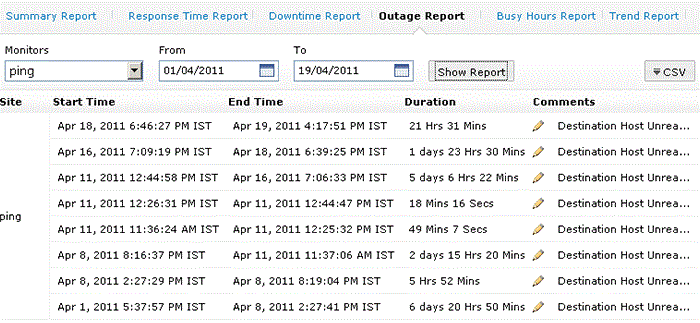
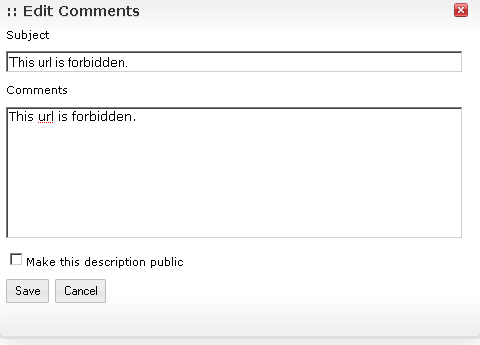
- You can view the reason for downtime under the Comments section in the result table. You also have the option to edit the reason under Comments section and make it public.