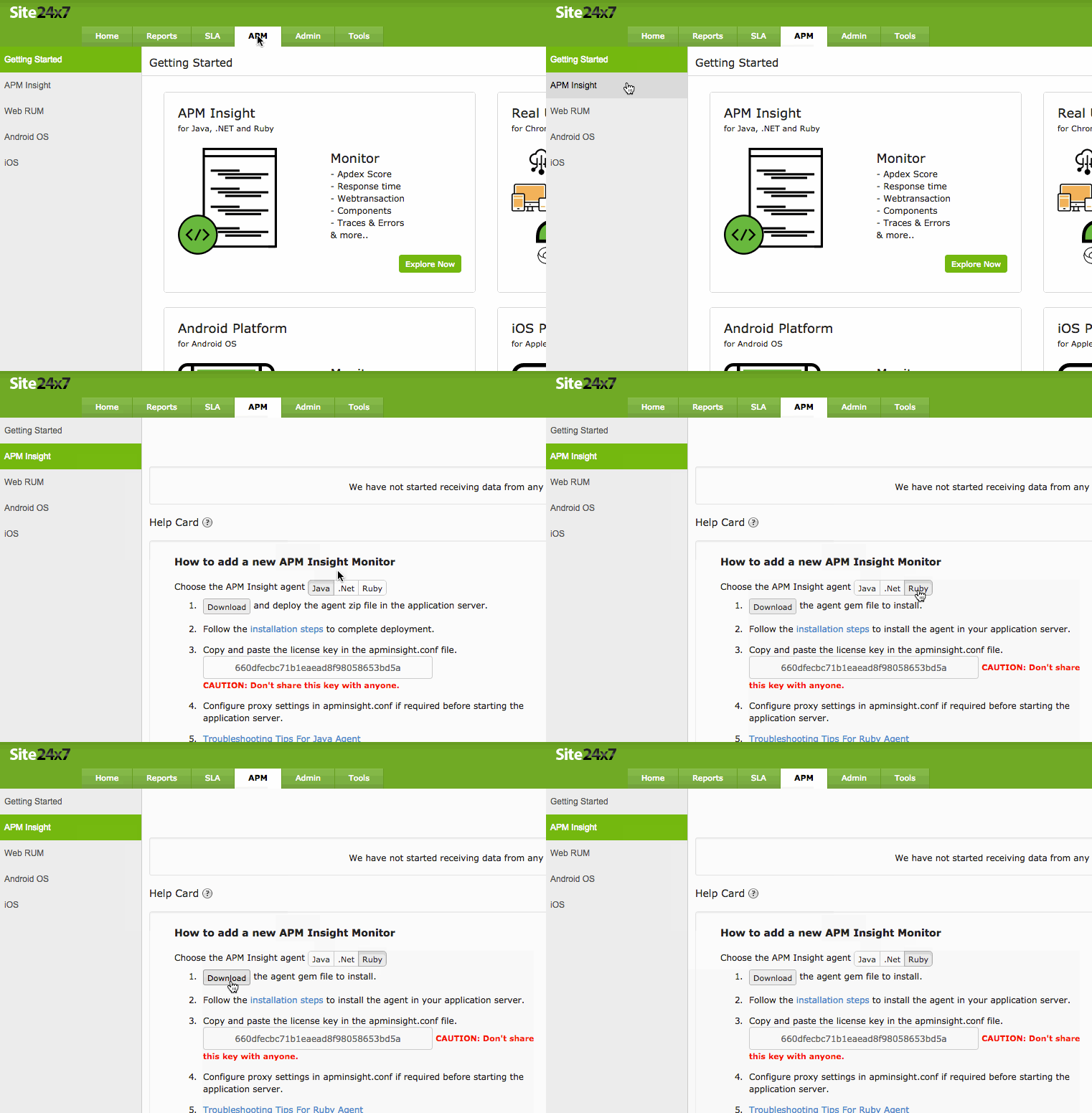
Click Download to deploy the agent into your application server.
Ruby Agent installation can be done in two ways:
Install from RubyGems by using the following command in the system where Ruby is installed :
gem install site24x7_apminsight
(or)
Download the site24x7_apminsight.gem file from your user account in Site24x7 after sign in or from the RubyGem website and run the command gem install site24x7_apminsight.gem.
Was this document helpful?
Sorry to hear that. Let us know how we can improve this document.
Thanks for taking the time to share your feedback. We’ll use your feedback to improve our online help resources.