Settings
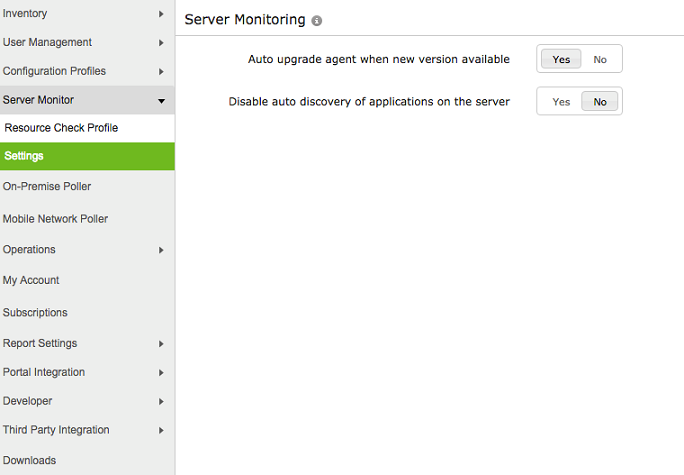
The settings page under Server Monitor enables the user to perform two major actions:
- Auto upgrade agent when new version is available:
This option enables automatic upgradation of the agent, when a new version is released. The user can select Yes if he wants to have an automatic upgradation rather than a manual one. The option to manually upgrade the agent will appear beside the name of the monitor, as and when a new version is released. By default, option Yes will be selected.
- Disable auto discovery of applications on the server
In cases where a user wants to monitor only his server and not include any other application, this option can be checked as Yes. On the other hand, if the user wishes to automatically discover all the child applications including IIS, SQL, MS Exchange and monitor them in addition to his server, the option No can be selected. By default, option No will be selected.